RAW FOOTAGE CAPTURE · SOUTH WEST BASED · UK-WIDE
Keep the footage. Make it your own.
Professional filming for businesses, agencies and in-house teams that want to do their own editing — or build a video archive for later.
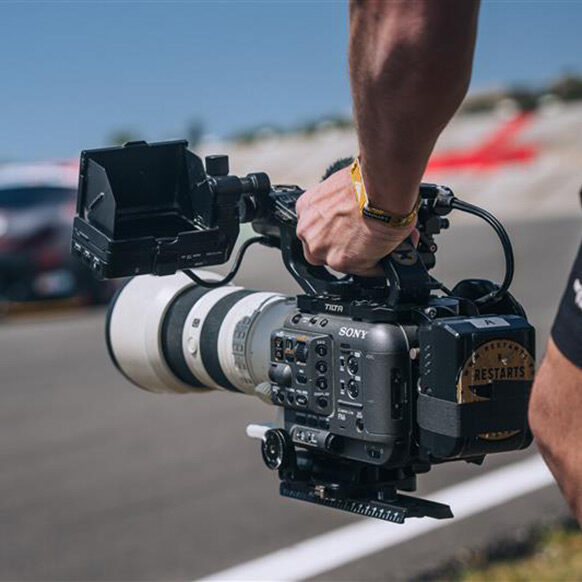
We film interviews, working processes, people, events and B-roll. You decide what happens next. The important bit is agreeing the recording format and what state the files should be in when they reach you.
WHY BUSINESSES NOW BOOK FILMING ONLY
You already have editing software. We supply the footage.
Increasingly, our brief ends when the filming does. Some companies edit in-house, some pass the rushes to a marketing agency, and others want a useful video archive they can return to next month or next year.
That may mean interviews for internal communications, a library of workplace scenes, or hundreds of short clips to choose from as campaigns develop. It is a perfectly sensible way of working — provided we agree what you will receive.
There is no reason to pay for an edit you do not need. Equally, we do not want to supply files your computer cannot open or footage that looks unexpectedly flat because it was recorded in a professional log profile.
BEFORE YOU SAY “JUST SEND THE RAW FOOTAGE”
Three very different deliverables
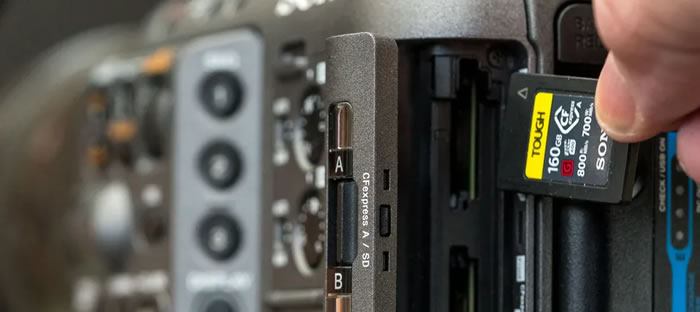
We are happy to supply camera originals. “Raw footage” generally means unedited recordings, not necessarily a special sensor-RAW codec. Straight-from-camera files can include flat-looking pictures, several takes, slate moments, separate sound recordings and clips of the camera being set up. That is normal: it is source material, not a finished film.
Everything exactly as recorded
Original camera files and card folder structure, including all agreed takes. No synchronising, trimming, grading, audio treatment or conversion. Best for an experienced editor who wants full flexibility.
Clips that are easier to work with
Optional preparation: sync external WAV sound, remove agreed accidental starts or obvious false takes, organise files, normalise the picture or create smaller editing copies. You still make the creative edit; we quote the preparation time.
A completed programme
Editorial selection, sequence, colour and sound finishing, graphics and approved versions. Choose this only if you want us to handle the edit too. See post-production.
WHAT “SOME PROCESSING” REALLY MEANS
These small jobs happen before anyone starts the actual edit.
If your team uses a straightforward editor such as CapCut or Canva, it may expect ordinary watchable clips rather than specialist camera originals. Professional footage can need preparation first:
- Syncing picture and sound. An interview may have separate WAV files from a professional recorder; they have to line up with the camera tracks.
- Making colour look natural. Log footage is intentionally flat. It needs a suitable colour transform or grade before most people will consider it ready to publish.
- Handling false starts and accidental clips. We can identify or remove them from a prepared set, while keeping untouched originals if agreed.
- Making the files practical. Transcoding or lightweight proxies may be needed so an everyday computer can play and edit them smoothly.
None of those steps happens automatically with a camera-card copy. If you want them done, we will specify and price that preparation clearly.
THE SIX QUESTIONS WE ASK BEFORE SHOOTING
Format, codec and picture settings: get these right first.
It is far easier to agree the setup before cameras roll than to convert a day of footage afterwards. If you have an editor, ask them for their settings. If you do not, tell us what software and computer you plan to use and we will help choose a sensible format.
| Where will you edit? | Premiere Pro, DaVinci Resolve, Final Cut Pro, CapCut, an agency edit suite — or simply an archive for future use? Tell us the software and computer type. |
|---|---|
| Codec & file type | We will agree whether H.264, H.265/HEVC, ProRes or another camera-supported format makes sense. A 10-bit 4:2:2 file may be difficult for an older laptop, even if it says “4K”. |
| Resolution & frame rate | 4K UHD or HD? 25 fps, 50 fps or a rate matching existing footage? Slow-motion settings and vertical framing must be considered before filming. |
| Picture profile | Should we capture in Log for a colourist, or a standard/finished-looking profile for a small content team? Log footage is not designed to look finished straight out of the camera. |
| Sound & camera count | Is audio recorded into camera, on separate WAV tracks, or both? Will there be several cameras to synchronise? We agree how those files will be labelled and prepared. |
| Handover & permissions | Keep the camera-card structure or use organised folders? External SSD or cloud transfer? Will the client have storage, backups and the agreed licence for future use? |
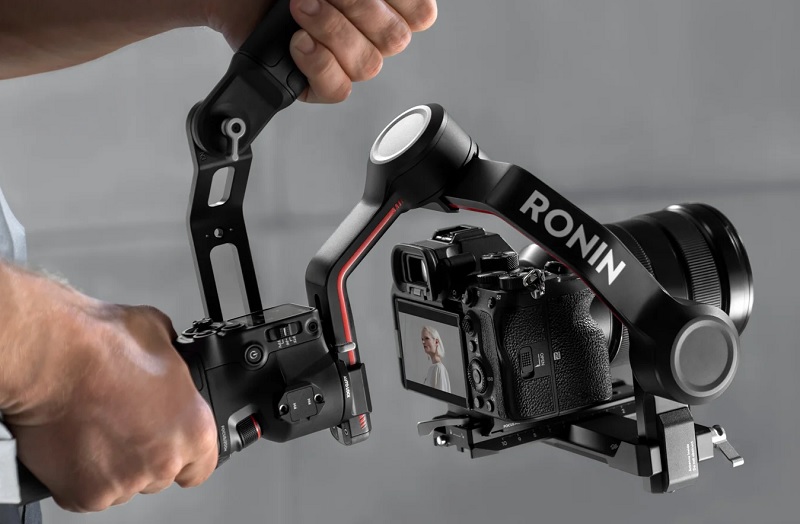
Do not guess the format. A sample clip or technical delivery specification is often the quickest way to agree what your team can actually use.
THE 4K STORAGE REALITY CHECK
Could your computer handle the camera files?
4K is useful, but large camera files can quickly overwhelm a laptop, hard drive or internet connection. Check your available storage, decoding performance and backups before booking straight-from-card delivery.
Illustrative decimal file sizes, excluding extra audio, metadata and backups. Actual sizes depend on camera settings, codec and recording time.
FILM ONCE · USE THE FOOTAGE IN DIFFERENT WAYS
What should we capture while we have access?
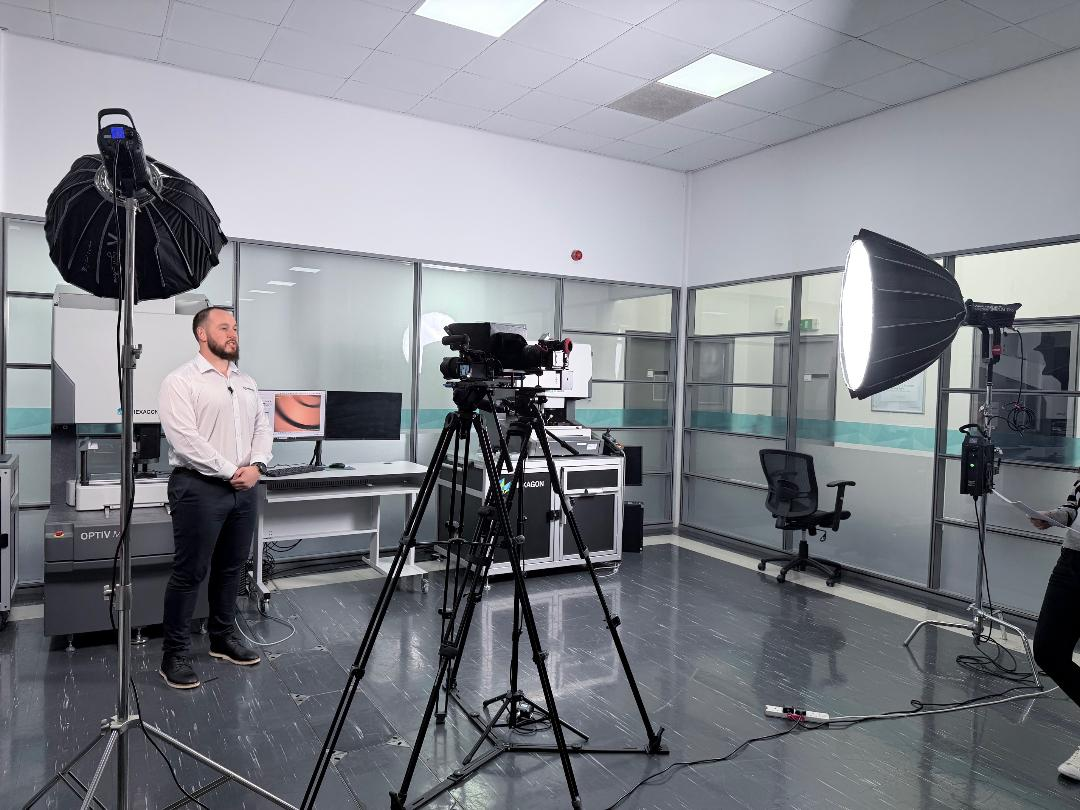
A proper archive needs more than the obvious hero shot. Alongside interviews or the main event, we think about establishing shots, useful details, clean cutaways and a clear sequence of what is happening.
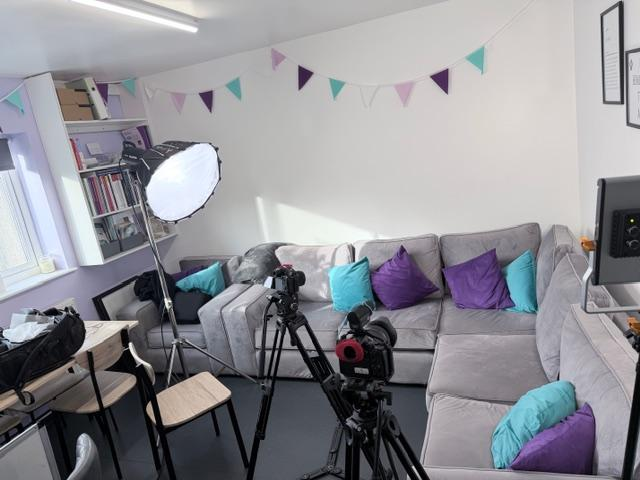
People and interviewsReal answers, clean close-ups and relevant B-roll give an in-house editor useful story choices.
Interview filming →
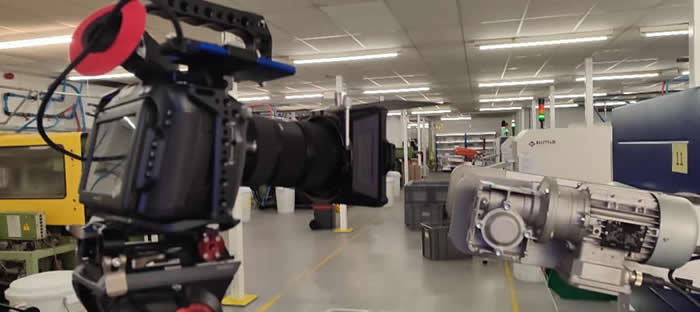
Processes and productsWide angles show where the work happens; close details explain the operation and demonstrate quality.
Manufacturing films →
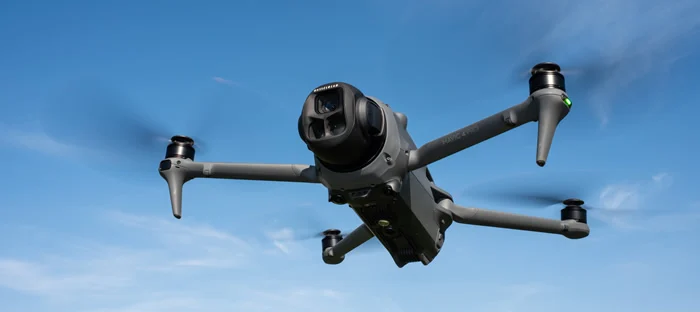
Locations and aerialsAerial coverage can establish the scale, setting and progress of a site when weather and permissions allow.
Drone filming →
AFTER FILMING · FILE DELIVERY
Large files need a proper handover plan.
We can supply files on an SSD or hard drive, or arrange an online transfer when the total size makes sense. Hundreds of gigabytes are often simpler to send on physical media than to download over an ordinary office connection.
- Camera originals: copied as recorded, with necessary original folder and metadata structure retained where relevant.
- Prepared unedited files: labelled, synchronised or transcoded only where those steps are agreed.
- Drive and backup: confirm who supplies the drive, whether a second copy is required and who checks the delivery.
- Archive and rights: agree retention and how the footage may be reused. Raw footage is not automatically included in a finished-video quote.
For peace of mind, your organisation should verify the delivered files and keep its own backed-up copy. We cannot promise indefinite storage.
QUESTIONS BEFORE YOU BOOK
Ask about the files now, not after the shoot.
We will happily work from your editor’s specification. If your team is less experienced, we can explain the trade-offs without turning the project into a bigger production than it needs to be.
Useful to send: intended use, editing software, computer, preferred file format, shoot length and whether you want originals or prepared material.
Can you simply copy everything from the camera cards?
Yes, if camera originals are the agreed delivery. They will include the original takes and recording format, without grading, trimming or audio synchronisation.
Why does the picture sometimes look flat or washed out?
Professional Log recording is intentionally flat to preserve flexibility for grading. If you want immediately watchable clips, we can plan a more suitable picture profile or quote for colour-normalised files.
Will the sound already be attached to every interview?
Not always. We often record professional audio separately. Syncing those WAV files to picture is a preparation task unless the agreed capture format already carries the intended sound.
Can you remove mistakes and false starts?
We can prepare a selected set with obvious false starts, accidental recordings or unwanted takes excluded, if requested. We should also agree whether untouched originals are retained for archive purposes.
Can a standard laptop edit native 4K files?
It depends on the codec, bit depth, computer and storage speed. 4K 10-bit H.265/HEVC footage can be harder to decode than an ordinary HD MP4. Smaller proxy or transcoded files can make editing easier.
Can we keep the material indefinitely and reuse it?
You can plan a long-term archive once the permitted uses and licence are agreed. We recommend keeping two verified copies on appropriate storage; our own retention period is not unlimited.
Do you work from another agency or producer’s brief?
Yes. We can follow their shot list, frame rate, picture profile, folder naming and handover rules. See our agency filming and film crew hire pages.
How quickly can we receive the footage?
The time depends on how much was recorded and whether you need a straight copy or extra preparation. We can agree a priority handover or SSD delivery before the filming date.
READY TO BOOK FILMING?
Tell us what you want to keep — and how you plan to use it.
Share the location, approximate filming time, what needs filming, your editing software and whether you want original files or a prepared unedited package. We will recommend a practical filming and delivery plan with a clear quotation.