
TRAINING & INFORMATION FILMS
Turn specialist knowledge into something people can actually follow.
Educational video production for universities, colleges, schools, training providers, businesses, charities and public organisations across the UK.
Lectures, course modules, research explainers, practical demonstrations and public-information films — structured around what the audience needs to understand and do.
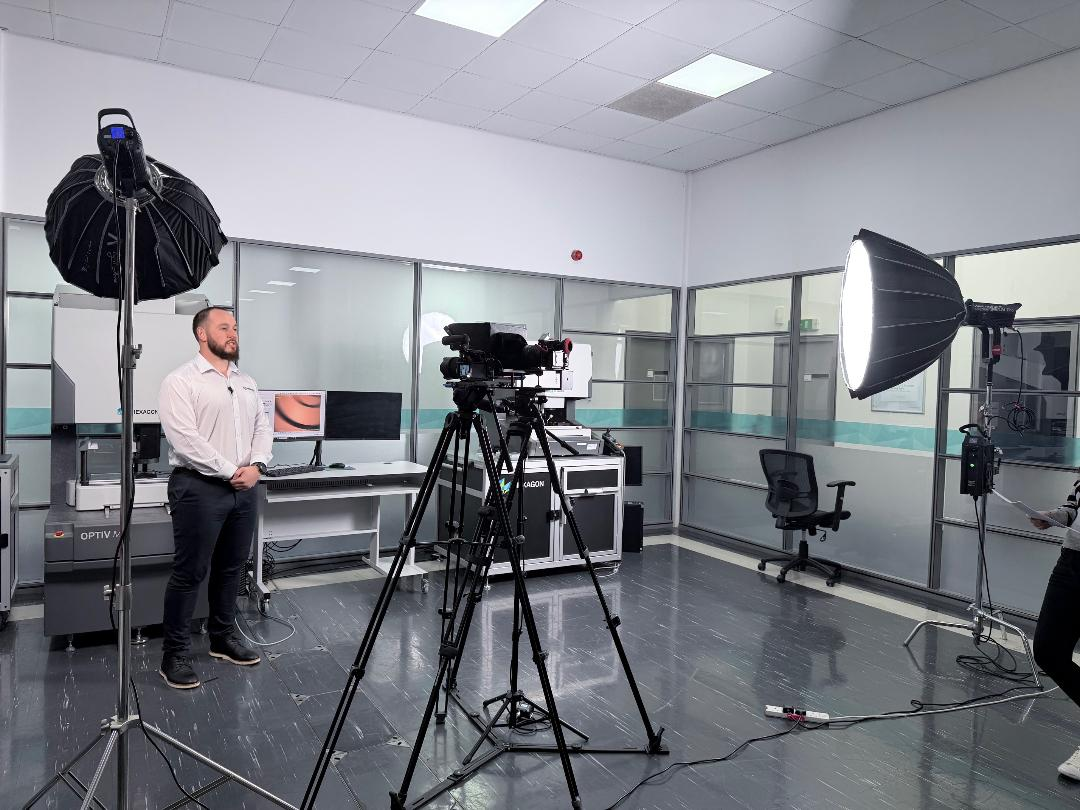
TRAINING & INFORMATION FILMS
PLANNED AROUND THE LEARNING OBJECTIVE
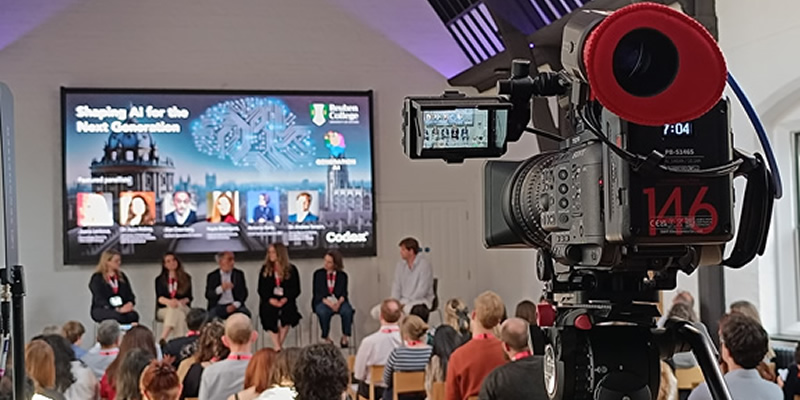
DESIGN THE FILM AROUND THE LEARNER
Turn specialist knowledge into content people can follow
Educational video works best when it is designed around a learning objective rather than treated as a recorded presentation. We establish what learners should understand, remember or demonstrate, then choose the clearest combination of presenter, interview, practical footage, screen capture, voice-over, graphics and supporting examples.
Projects can include lecture and seminar recordings, course introductions, research communication, staff and customer education, tutorials, practical demonstrations, compliance content and public-information films.
The finished content can be supplied as one complete film or divided into shorter chapters for an LMS, intranet, website, private webpage or social channel. Captions, transcripts, titles and clean versions can be prepared where required.
EDUCATIONAL VIDEO FORMATS
Choose the method that suits the subject
The learner, the material and the platform should determine how the content is filmed — not the other way around.
LECTURES & TALKS
Lectures, talks & panel discussions
Multi-camera coverage, presentation feeds and clear sound for complete sessions, individual talks, highlights and fast online delivery.
COURSE MODULES
Presenter-led lessons & course modules
Film tutors or subject experts using guided prompts, scripts or autocue, with each topic divided into manageable sections.
DEMONSTRATIONS
Demonstrations, tutorials & screen capture
Practical close-ups, step-by-step footage, voice-over and screen recordings to explain equipment, software, processes or techniques.
RESEARCH & INTERVIEWS
Interviews, research & public education
Help academics, specialists, students, service users and project partners explain evidence, experiences and findings in an accessible way.
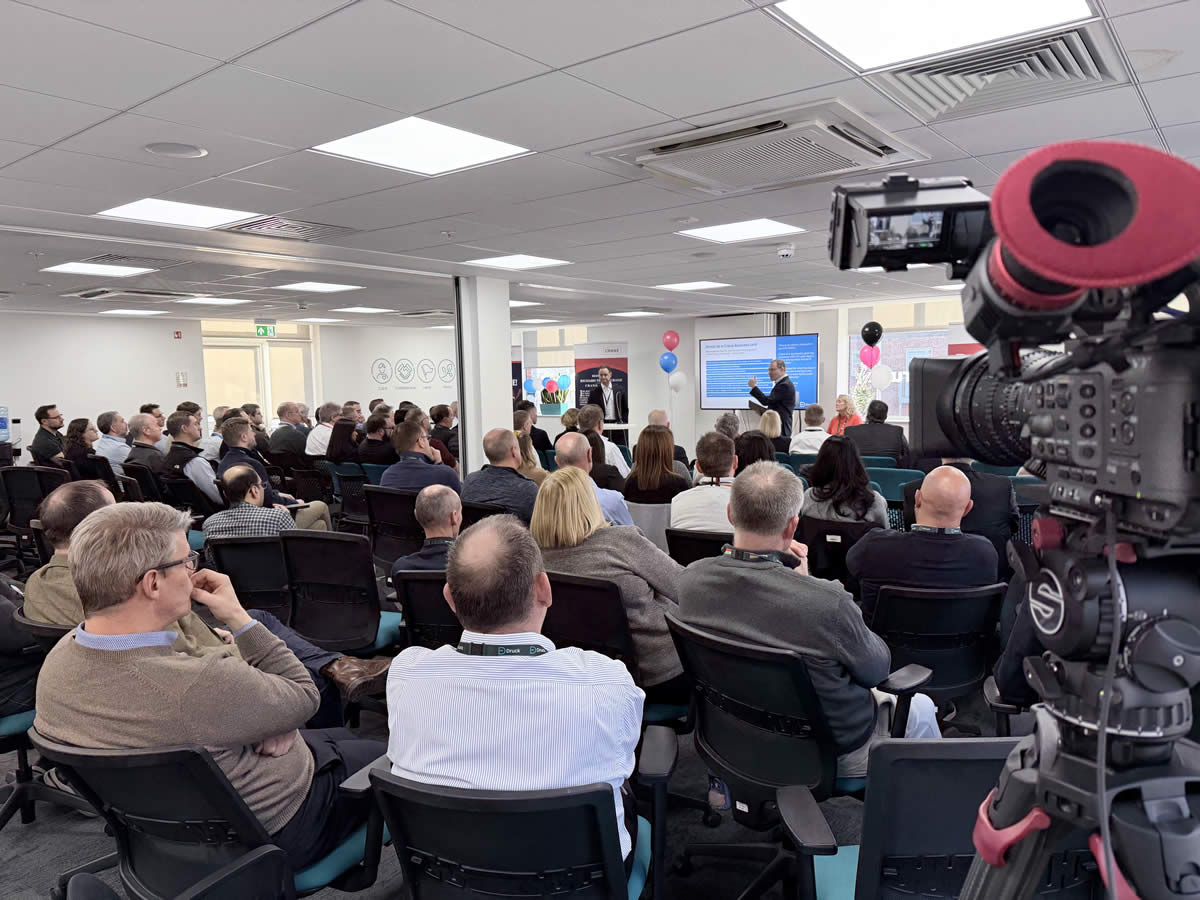
MATCH THE PRODUCTION TO THE CONTENT
Choose a production method that supports learning
Some subjects need a carefully scripted presenter. Others are clearer through demonstrations, interviews, diagrams, screen recordings or a recorded live session.
Course modules. Divide the material into short named sections so learners can return to individual topics later.
Live lectures and seminars. Record multiple cameras, presentation feeds and professional sound, then deliver full sessions or chaptered versions.
Practical demonstrations. Use wide shots for the full task and close-ups for controls, hand positions, materials and important detail.
Screen capture and accessible delivery. Add diagrams, captions, labels, voice-over and supplied presentation material where the camera alone cannot explain the point clearly.
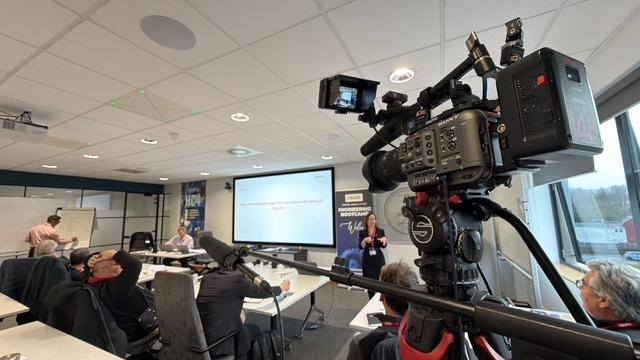
FROM SUBJECT KNOWLEDGE TO A LEARNING RESOURCE
Keep the process simple and the material accurate
01 Agree the learning objective. Identify the audience, what they already know and what they should understand or complete afterwards.
02 Structure the content. Divide the subject into logical chapters and remove repetition or material better left in a document.
03 Prepare presenters and locations. Review scripts, questions, demonstrations, terminology, sound, power, access and space.
04 Film for clarity. Guide presenters through manageable sections and capture demonstrations from the angles learners actually need.
05 Edit, check and organise. Review communication and subject accuracy, then add captions, titles, graphics and supplied material.
06 Deliver for the platform. Supply the agreed files for an LMS, intranet, website, private page, presentation or public channel.
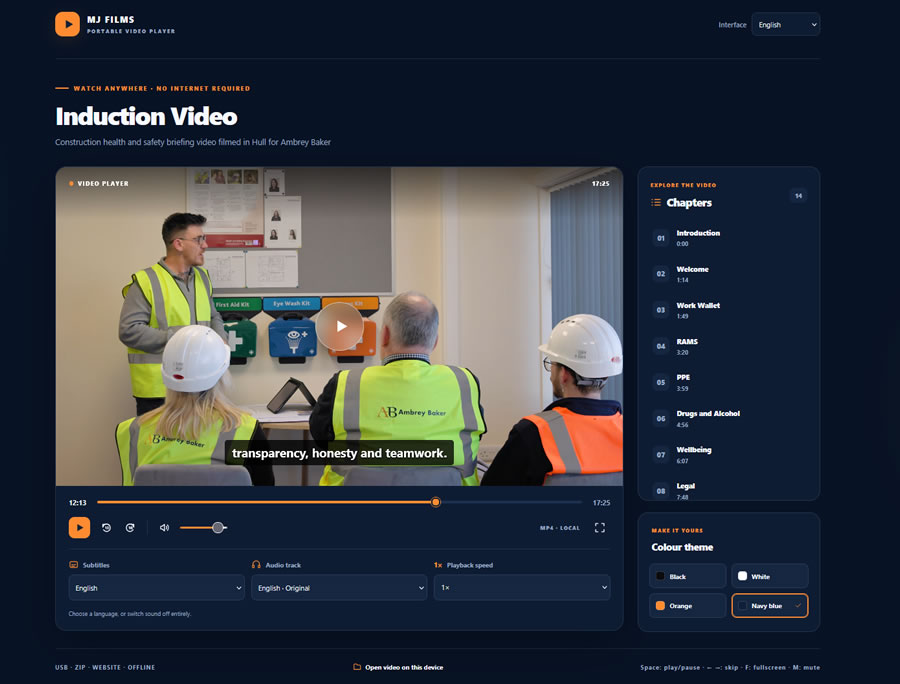
MULTILINGUAL VIDEO PLAYER
One player. Easier access to training.
Give staff and customers a branded player with chapters, subtitles and optional voice tracks. Learners can find the section and language they need.
Web: computers, phones and tablets.
Offline: PCs and laptops.
EDUCATIONAL VIDEO EXAMPLES
Different subjects need different visual treatments
Lectures & panel discussions
Multi-camera filming and clear venue sound for full sessions, chapters or shorter extracts.
Specialist interviews & research
Help experts explain complicated work without losing accuracy or overwhelming a non-specialist audience.
Presenter-led & practical learning
Scripts, prompts, screen material and demonstration footage combined into structured learning content.
CAMPUSES · WORKPLACES · SENSITIVE CONTRIBUTORS
Prepared for the setting as well as the subject
Projects can involve academics, senior leaders, technical specialists, patients, staff, students and people appearing on camera for the first time.
For schools and projects involving children or vulnerable contributors, the commissioning organisation remains responsible for safeguarding procedures, consent and approved supervision.
For confidential research, proprietary systems or commercially sensitive demonstrations, we can work under an NDA and agree restricted areas, approved material and file handling in advance.
EDUCATIONAL VIDEO PRODUCTION ACROSS THE UK
Travel-ready filming for campuses, workplaces and events
LONDON & THAMES VALLEY
London, Reading & Oxford
London →
Reading & Berkshire →
Oxford →
Universities, conferences, research, business learning and public-information projects.
SOUTH & SOUTH WEST
Bristol, Southampton & Bournemouth
Bristol →
Southampton →
Bournemouth →
Course content, events, training, interviews and institutional communication.
WALES & MIDLANDS
Cardiff & Birmingham
Universities, colleges, public organisations, charities and workplace learning projects.
NORTH & SCOTLAND
Manchester & Edinburgh
Travel-ready filming for education, research, training and public-information work.
EDUCATIONAL VIDEO PRODUCTION FAQ
Presenters, modules, accessibility and updating content
What types of educational video do you produce?
Projects include lecture and seminar recordings, course introductions, presenter-led lessons, tutorials, research explainers, practical demonstrations, software walkthroughs, public-information films and interview-led learning content. Related training, new starter and compliance projects can be planned within the same production.
Can you film several course modules in one day?
Yes, when scripts, presenters, locations and demonstrations are prepared in advance. Filming several short modules in one consistent setup is usually more efficient than treating each lesson as a separate production. The schedule should still allow for retakes, technical checks and breaks for the presenter.
Do presenters need to memorise a script?
No. Some presenters work naturally from topic prompts, while others prefer a full script and autocue. Long scripts are usually divided into short sections so the delivery remains manageable and individual parts can be repeated without restarting the entire lesson.
Can you film lectures and include presentation slides?
Yes. We can record the speaker with several cameras, take a direct feed from the presentation system where available and edit slides or screen material into the finished film. Clear venue audio and an independent backup recording are particularly important for live sessions.
Can captions, transcripts and chapters be supplied?
Yes. Captions, transcripts, chapter titles, speaker names, diagrams, labels and clean versions can be included. Accessibility requirements and the technical specification of the LMS or publishing platform should be shared before delivery formats are agreed.
Can an educational video be updated later?
Yes. Planning the course as separate modules makes it easier to replace a changed procedure, presenter section, statistic, screen recording or graphic without rebuilding the entire programme. Keeping clean master files and source materials also helps with later revisions.